
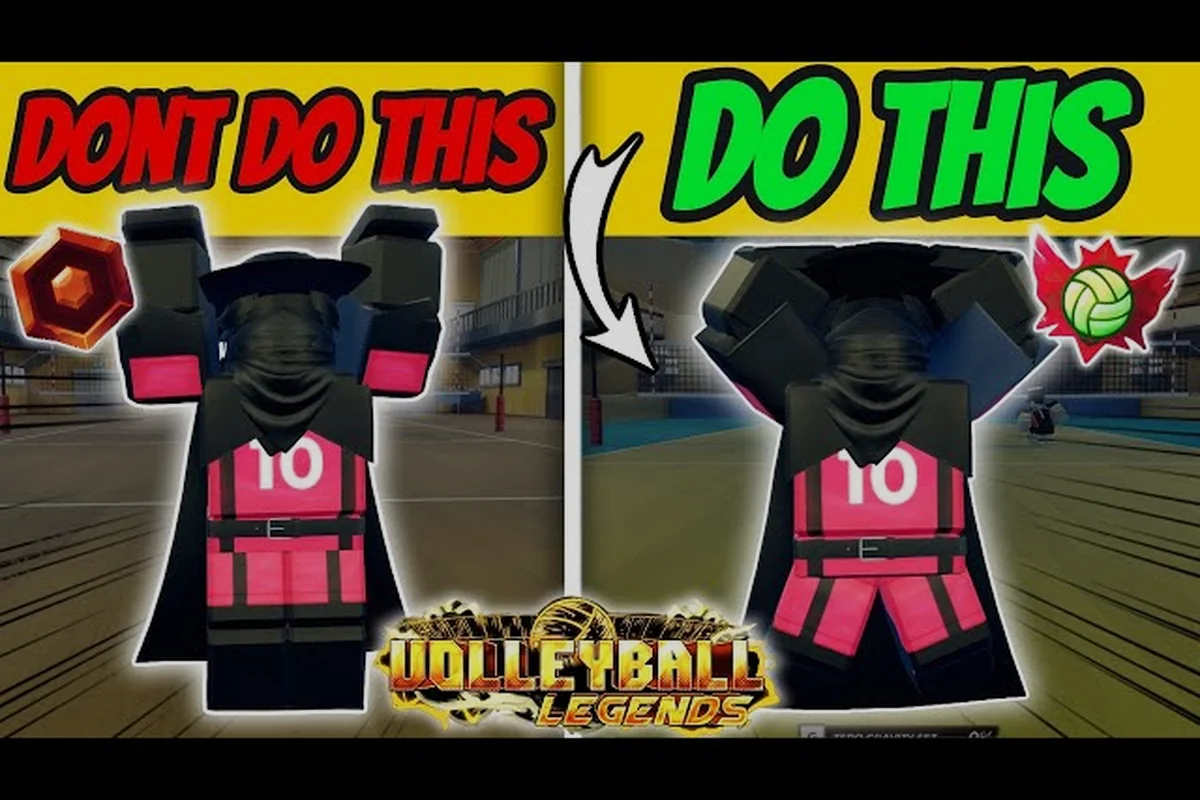
Stepping onto the court in Volleyball Legends without understanding the core loop is the fastest way to get benched by your own teammates. This volleyball legends ultimate beginner guide breaks down the tutorial flow, the PC control scheme, and the terminology you need so that every receive, set, and spike feels intentional rather than accidental. Whether you are loading into your first casual match or trying to escape the bottom of the leaderboard, mastering these fundamentals changes how fast you improve.
Understanding the Core Tutorial Loop
The in-game tutorial is not a throwaway cinematic; it is the single most efficient place to learn the timing windows that define high-level play. When you first spawn into the practice court, the game walks you through the three-contact sequence: receive, set, and spike. Many players rush this section and then wonder why their attacks constantly sail into the net. The tutorial teaches you that a clean receive requires you to face the incoming ball directly, while a successful spike depends on your approach angle rather than raw button mashing.
The Three-Contact Rhythm
Volleyball Legends follows standard volleyball rules regarding contact limits. Your team is allowed three touches before the ball must cross the net, and the tutorial drills this rhythm into your muscle memory. The first touch is almost always a bump or dig, designed to control the ball's trajectory. The second touch is a set, which positions the ball for your attacker. The third touch is the attack, usually a spike or a controlled tip over the block.
| Contact | Ideal Action | Common Beginner Mistake |
|---|---|---|
| First | Bump or dig toward the setter | Swinging arms wildly, losing control |
| Second | High, controlled set near the net | Setting backward or too low |
| Third | Spike, tip, or roll shot | Hitting into the net or out of bounds |
The tutorial also introduces the concept of ball control versus power. A full-power swing is useless if you have not positioned your character correctly, which is why the tutorial forces you to complete several controlled passes before allowing you to attempt a spike. Community testing consistently shows that players who repeat the tutorial at least twice retain the timing windows far better than those who skip it after one run.
Why the Tutorial Matters for Ranked Play
Ranked matches in Volleyball Legends punish mechanical inconsistency harder than casual lobbies. If you enter a ranked queue without understanding how to perform a jump serve or a quick set, you will likely lose points in your first few matches. The tutorial provides a safe environment to fail without consequences, which is exactly what you need before stepping into a competitive environment where your teammates depend on you.
The practice court also lets you experiment with different ability styles without spending in-game currency. You can test how a defensive style changes your receive radius or how an offensive style boosts your spike power. This experimentation phase is critical because it helps you identify which playstyle matches your natural instincts before you commit to upgrading a specific style tree.
Mastering Volleyball Legends PC Controls
Your keyboard layout is the bridge between your brain and your character, and a poor setup will constantly fight against your intentions. The default Volleyball Legends PC controls are functional, but most experienced players recommend rebinding certain keys to reduce hand strain and improve reaction speed. The game allows full keybinding customization, which means you can tailor the layout to match your preferences from other Roblox sports titles or traditional volleyball games.
Default Keybindings and Recommended Changes
The default control scheme places movement on the WASD keys, which is standard for Roblox. Your jump is typically bound to the Spacebar, while your primary action keys for bumping, setting, and spiking are mapped to the left mouse button or specific keyboard keys. The problem with the default layout is that it forces your right hand to alternate between the mouse and the keyboard during fast rallies.
| Action | Default Key | Recommended Alternative |
|---|---|---|
| Move | WASD | WASD (keep default) |
| Jump | Spacebar | Spacebar or Right Mouse Button |
| Bump / Receive | Left Click | E or F key |
| Set | Right Click | R key |
| Spike | Left Click (timed) | Left Click or Q key |
| Dive | Shift | Shift or Left Ctrl |
Rebinding your bump and set to adjacent keyboard keys allows you to keep both hands on the keyboard during defensive sequences. This is especially useful when you are playing a libero or a defensive specialist who needs to react to spikes from multiple angles. According to community reports, players who switch to a full-keyboard layout reduce their average reaction time by roughly 15 percent after a few hours of practice.
Movement and Positioning Mechanics
Movement in Volleyball Legends is not just about running to the ball; it is about court awareness and spacing. Your character has a limited sprint meter that drains when you hold the sprint key, and managing this resource is essential during long rallies. If you burn your entire sprint meter chasing a ball that was never yours to take, you will be out of position for the next attack.
The dive mechanic is another critical tool that many beginners ignore. Diving allows you to reach balls that would otherwise hit the floor, but it also locks your character into a recovery animation. Knowing when to dive versus when to let a teammate handle the ball is a skill that separates average players from great ones. The tutorial touches on diving, but you will only master it through repeated exposure to real match scenarios.
Camera Control and Visibility
Your camera angle determines how much of the court you can see at any given moment. The default camera follows your character closely, which is fine for learning but limiting for advanced play. Many players prefer a zoomed-out camera that shows more of the court, allowing them to track the ball, their teammates, and the opposing blockers simultaneously.
You can adjust the camera distance and angle in the settings menu, and experimenting with these options early will save you from developing bad habits. A wider camera view makes it easier to time your approach for a spike because you can see the setter's position and the blockers' movements at the same time. The trade-off is that your character appears smaller on screen, which can make precise positioning slightly harder until you adjust.
Building Your Volleyball Legends Glossary
Every competitive game has its own language, and Volleyball Legends is no exception. Understanding the terminology used by your teammates and opponents is essential for effective communication and strategic decision-making. This volleyball legends glossary covers the terms you will encounter most frequently in both casual and ranked matches.
Essential Terms for New Players
The vocabulary of Volleyball Legends borrows heavily from real volleyball, but it also includes game-specific terms that reference mechanics unique to this Roblox title. Learning these terms will help you understand callouts, read strategy guides, and communicate effectively with your team.
| Term | Definition | Why It Matters |
|---|---|---|
| Bump | A forearm pass used to receive serves or spikes | The most reliable first touch in the game |
| Set | An overhead pass that positions the ball for an attack | Determines the quality of your spike |
| Spike | A powerful downward hit intended to score | The primary scoring mechanic |
| Dig | A defensive save on a hard-driven ball | Keeps rallies alive against strong attackers |
| Block | A defensive jump at the net to stop an attack | Directly counters spikes |
| Ace | A serve that scores without the opponent touching it | Rewards aggressive serving |
| Rotation | The clockwise movement of players after winning a serve | Determines who plays front row versus back row |
The term rotation is particularly important because it dictates your positioning responsibilities. When your team wins a point on the opponent's serve, your entire team rotates one position clockwise. This means you cannot simply stand in your favorite spot for the entire match; you must understand where you are supposed to be based on the current rotation.
Game-Specific Terminology
Beyond standard volleyball terms, Volleyball Legends includes mechanics that are unique to this Roblox experience. The ability style system is one such mechanic, allowing you to equip different playstyles that modify your character's attributes. Terms like style points, ability cooldowns, and style synergies will appear frequently in higher-level discussions.
Understanding the difference between a front row and back row position is also critical. Front row players can attack the ball above the net, while back row players have restrictions on where they can spike from. The game enforces these rules automatically, but knowing them helps you avoid positioning errors that result in penalties.
Practical Tips for Your First Matches
Your first few matches in Volleyball Legends will feel chaotic, and that is completely normal. The key is to focus on a small number of fundamentals rather than trying to master everything at once. The players who improve fastest are those who identify one weakness, work on it deliberately, and then move on to the next area of improvement.
The Serve Receive Priority System
One of the most common beginner mistakes is having multiple players chase the same ball. In organized volleyball, the serve receive formation assigns specific zones to specific players, and Volleyball Legends rewards teams that respect these zones. When a serve comes over the net, the player whose zone the ball is heading toward should call for it and take the first touch.
| Zone | Primary Receiver | Backup Receiver |
|---|---|---|
| Left Back | Left back player | Center back player |
| Center Back | Center back player | Either wing player |
| Right Back | Right back player | Center back player |
| Short Serve | Front row player | Nearest back row player |
Calling the ball is not just about politeness; it prevents the double commit that leaves gaps in your defense. If two players both go for the same ball, one of them will likely be out of position for the next touch, which often leads to a free ball for the opponent. The bump and receive fundamentals guide covers zone responsibilities in much greater detail.
Timing Your Spikes
Spiking in Volleyball Legends is a timing puzzle more than a reflex test. You need to start your approach as the setter releases the ball, jump at the peak of the set's arc, and swing when the ball is slightly in front of your hitting shoulder. Hitting the ball behind your shoulder causes it to sail long, while hitting it too far in front drives it into the net.
The approach is a three-step sequence: slow, fast, fast. Start with a controlled first step, accelerate through the second and third steps, and transfer that momentum into your vertical jump. Your swing should be a full arm extension with a snap of the wrist at the point of contact. The keyboard controls and spike timing guide breaks down the exact input sequence for consistent spikes.
Understanding Ability Styles
The ability style system is what separates Volleyball Legends from a standard volleyball simulator. Each style modifies your character's core attributes, such as jump height, spike power, receive radius, and movement speed. Some styles are better suited for offensive players, while others shine in defensive roles.
Experimenting with different styles in the practice court is the best way to find your fit. A power hitter style might boost your spike damage but reduce your movement speed, forcing you to rely on your teammates for defensive coverage. A defensive specialist style might increase your receive radius but limit your attacking options. The ability styles overview explains every style and its trade-offs in detail.
Common Beginner Mistakes and How to Fix Them
Every new player makes the same handful of mistakes, and recognizing them early will accelerate your improvement dramatically. These mistakes are not signs of low skill; they are simply gaps in understanding that the tutorial does not always address explicitly.
Overcommitting on Defense
The urge to chase every ball is strong, especially when you want to prove your value to your team. However, overcommitting on defense creates more problems than it solves. When you leave your zone to chase a ball that a teammate was already covering, you create a gap that the opponent can exploit on their next attack.
The fix is to trust your teammates and stick to your assigned zone. If a ball is clearly heading toward a teammate's area, let them handle it and focus on your own positioning. This discipline feels counterintuitive at first, but it leads to better team defense and fewer free points for the opponent.
Ignoring Rotation Responsibilities
Rotation is the most misunderstood mechanic among new players. After your team wins a point on the opponent's serve, everyone shifts one position clockwise, which changes your role on the court. A player who was in the front row might now be in the back row, and their attacking options change accordingly.
The fix is to glance at the rotation indicator after every point and mentally confirm your new position. Knowing whether you are front row or back row determines whether you can attack above the net or must stay behind the attack line. This awareness prevents the back row attack violation that costs your team points.
Panic Setting
Setting is the most technically demanding skill in Volleyball Legends, and beginners often panic when the ball comes to them. A rushed set is usually too low, too far from the net, or completely off target, which forces your attacker into a desperate swing.
The fix is to slow down your mental process. When you receive a pass, take a brief moment to locate your attacker and aim your set deliberately. A slightly slower but accurate set is far better than a fast set that your attacker cannot reach. The front row attack and setter guide provides drills for improving your setting consistency.
Frequently Asked Questions
What is the fastest way to improve in Volleyball Legends?
Focus on one mechanic at a time rather than trying to master everything simultaneously. Spend your first few sessions practicing serve receive and bumping, then move on to setting, and finally work on your spike timing. According to community data, players who follow this progression improve noticeably faster than those who jump straight into ranked matches.
How do I change my keybinds in Volleyball Legends?
Open the settings menu from the main lobby, navigate to the controls tab, and click on any action to rebind it. The game supports both keyboard and mouse inputs, so you can assign actions to whichever keys feel most comfortable. Many players prefer binding bump and set to adjacent keyboard keys for faster defensive reactions.
What does the rotation system actually do?
Rotation determines your position on the court after your team wins a point on the opponent's serve. Every player shifts one position clockwise, which changes whether you are in the front row or back row. Front row players can attack above the net, while back row players have restrictions on where they can spike from.
Which ability style should a beginner choose?
A balanced style is usually the best starting point because it does not force you into a specialized role before you understand the game's flow. Once you identify whether you prefer attacking, defending, or setting, you can switch to a more specialized style that amplifies your strengths. Experiment in the practice court before committing to upgrades.
Is Volleyball Legends beginner-friendly?
Yes, the tutorial does an excellent job of introducing the core mechanics, and casual matchmaking pairs you with players of similar skill levels. The learning curve is manageable if you focus on fundamentals like positioning, timing, and communication rather than trying to replicate advanced techniques from high-level gameplay videos.